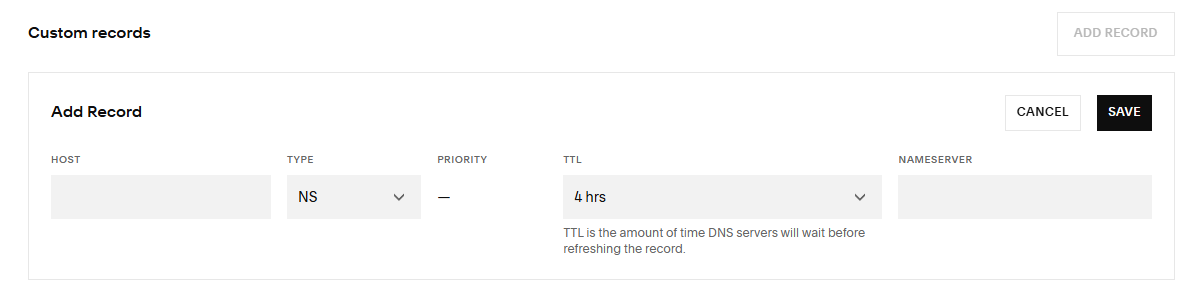
If your domain’s DNS is managed in Squarespace, you can add a Custom DNS record by doing the following.
1 – Log into square space
2 – Open your domains dashboard.
3 – Click the domain name. If you have multiple Squarespace domains, you’ll manage their DNS records separately.
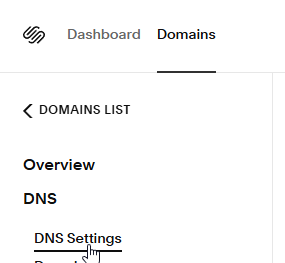
4 – Click DNS, DNS Settings (left sidebar).
5 – On Custom Records, Click “Add Record”

6 – Please add the required records as instructed.