Restobox Marketing App Account Required
- Please ensure you are logged into https://app.restobox.com first before attempting this tutorial.
- If you do not have an account, please contact your account manager.
- If you forgot your password, click the link above, then “Forgot Password” to recover your password.
Website Visitors Can Start a Chat Through the Live Chat Widget
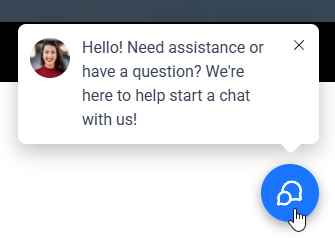
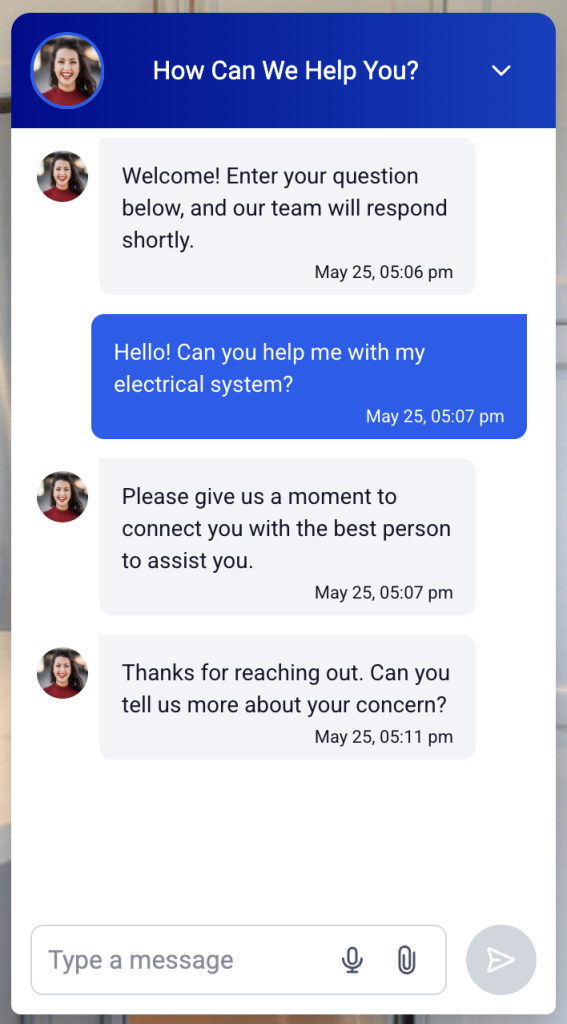
- Website visitors can click on a blue chat button in the bottom right corner of the page
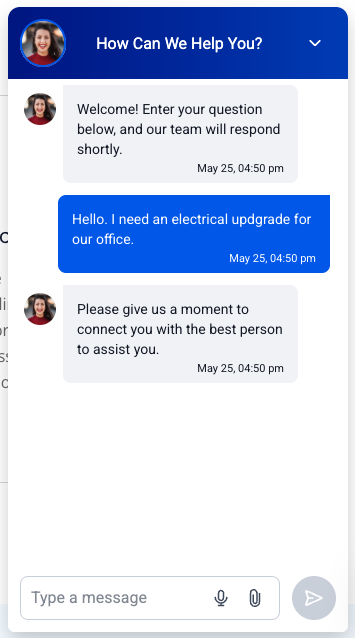
- A chat window will pop up, and the user can start typing to initiate a chat.
Responding to Chat Request Through Your Phone
- To respond to chat widget requests, you must install the Lead Connector app on your phone.
- Log in to the phone app with the same username and password you entered when you created your account.
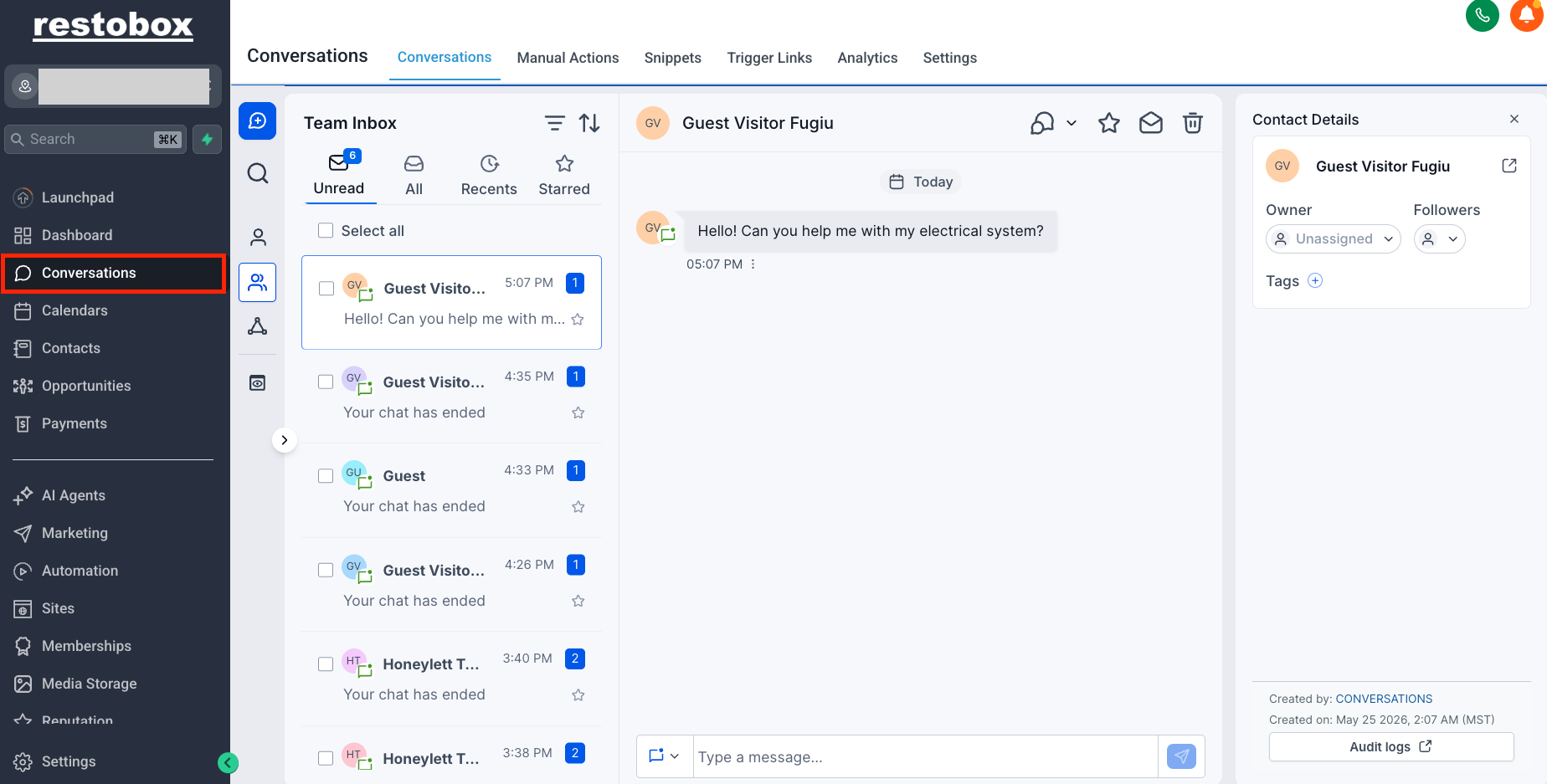
- Go to the website, then start a chat.
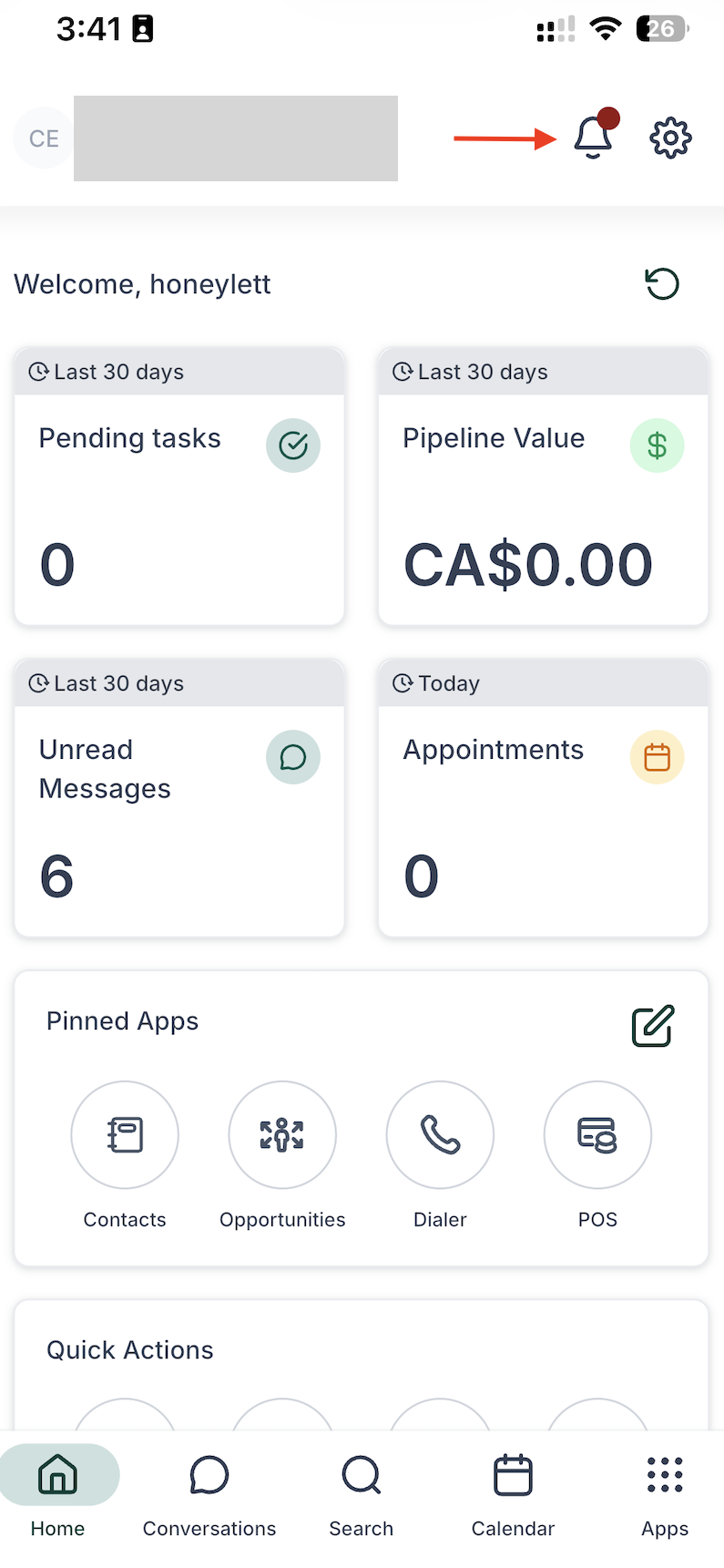
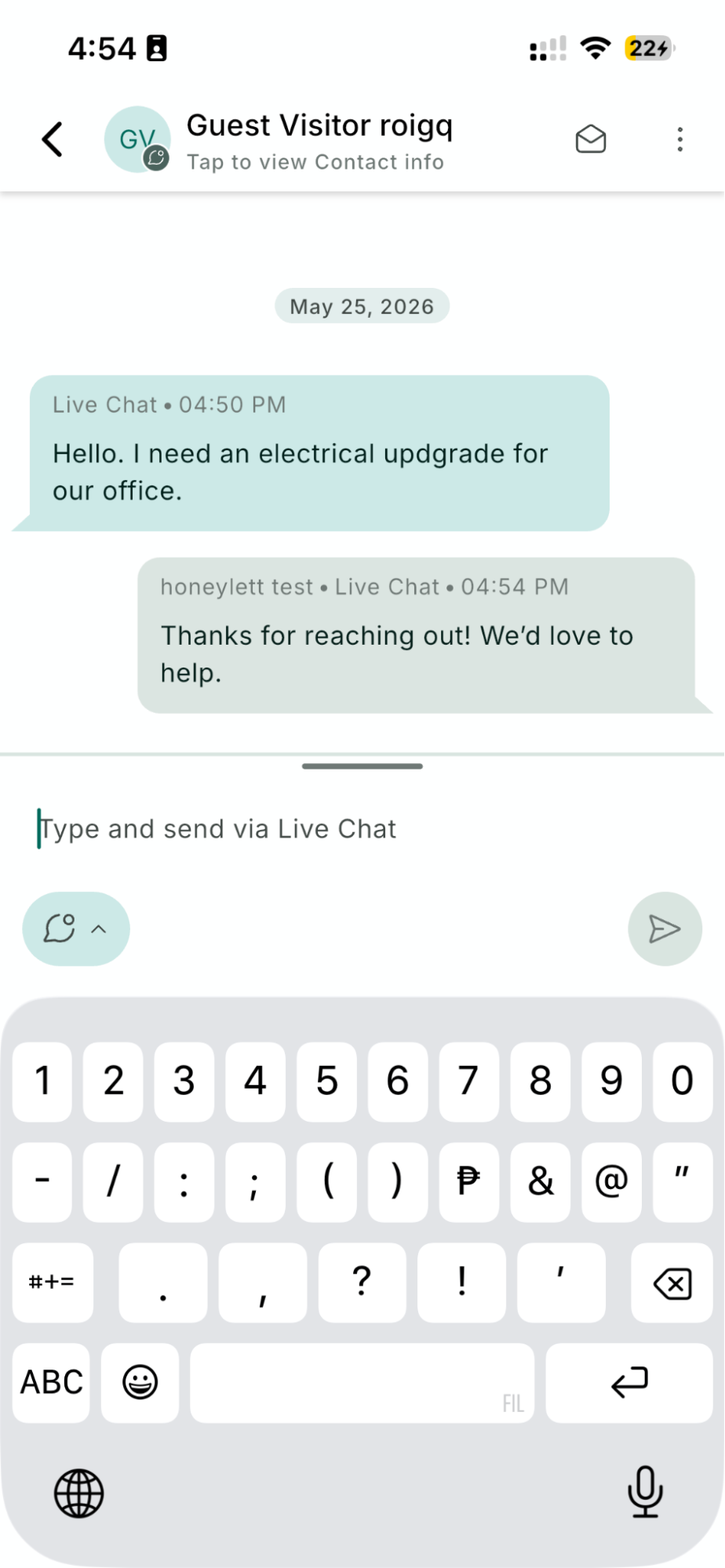
- When someone messages you on through the chat widget, you should see a notification on your phone.
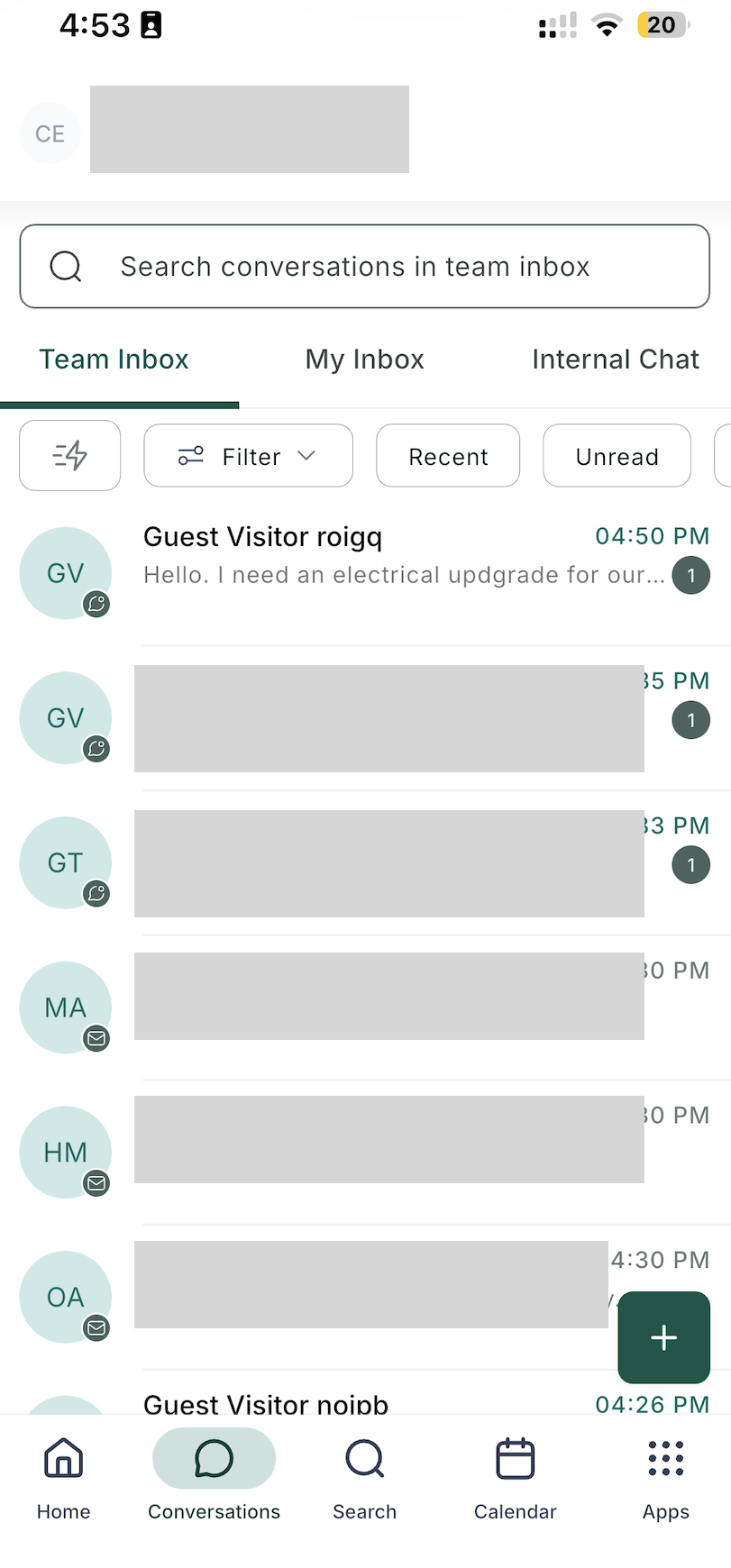
- Answer the phone app by tapping the notification icon. You will also see the conversation on the Conversation button on the phone app.
- Type your reply, then press send.
Operator Reply Lead Sees Your Reply
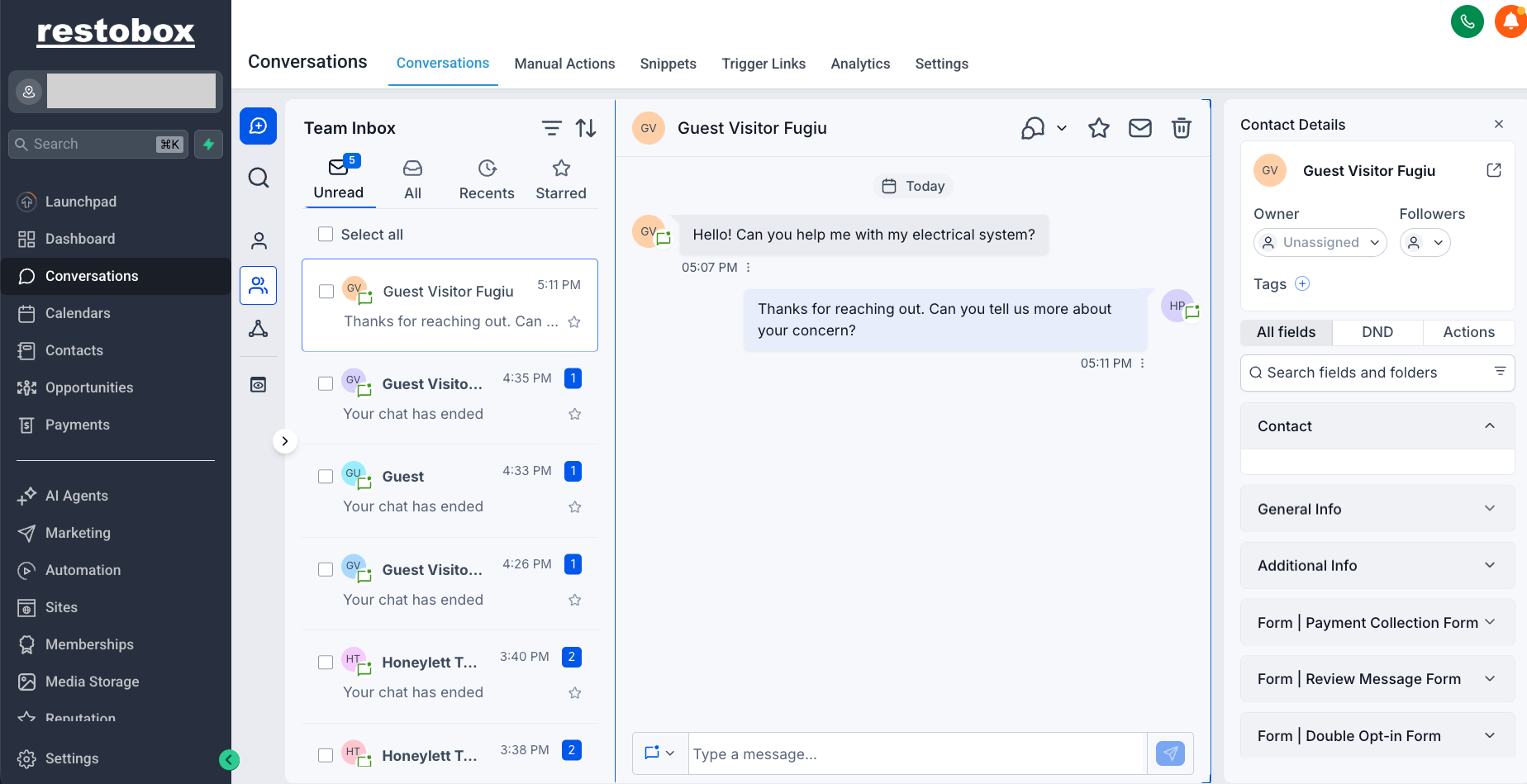
- Choose the message you want to reply to.
- Type your reply, then press send.
What Happens If You Do Not Answer In Time or Someone Messages Off Hours?
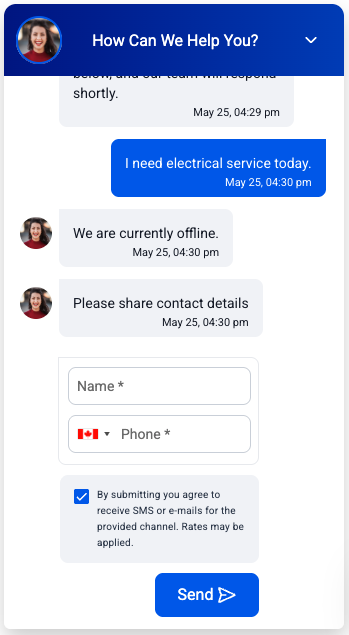
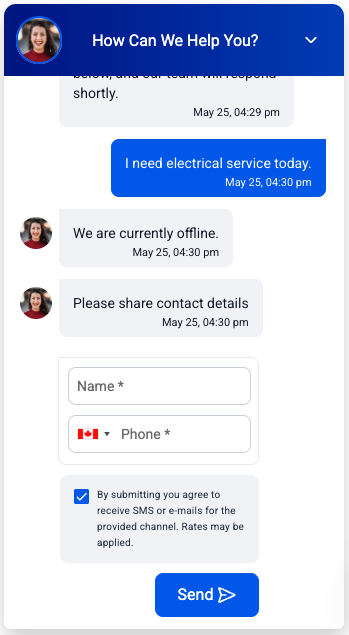
- The chat will automatically reply and say that you are offline, and will ask for the person’s name and phone number.